
Hugge-TV_
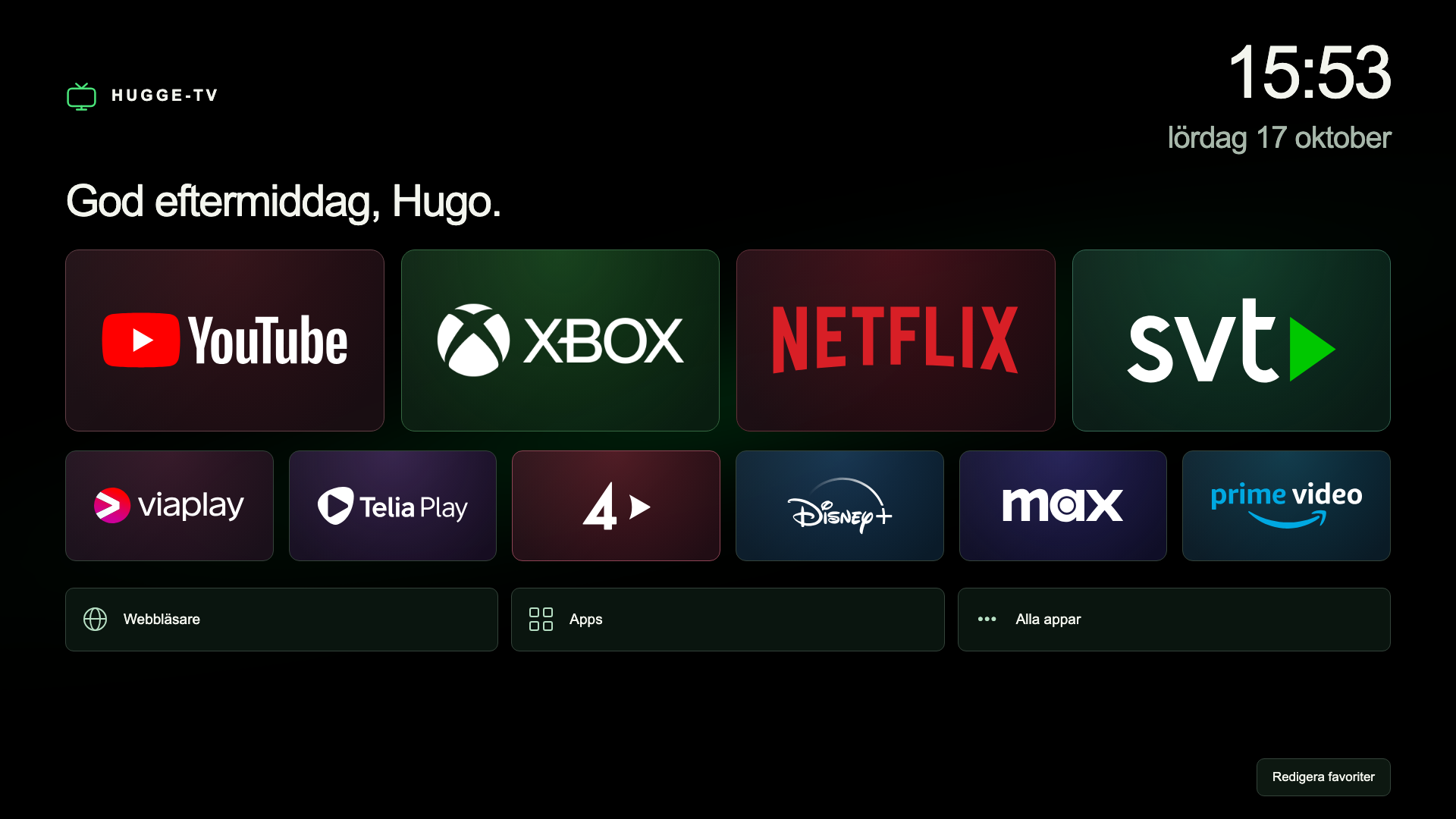
A custom home screen for my LG TV, with streaming apps, Xbox and shortcuts to the things I use most.
Why I built it
I’ve never liked the webOS interface on my LG TV. I wanted a cleaner home screen with just the apps and shortcuts I actually use: streaming services, Xbox and a few favourites, all laid out the way I want.
How it works
Hugge-TV is a webOS app built with HTML, CSS and JavaScript. It runs on the TV and uses LG’s service API to open streaming apps and select the Xbox’s HDMI input. I use the TV’s regular remote to navigate, and my favourites are saved locally.
A separate Node.js script on a Raspberry Pi watches for the TV to turn on and launches Hugge-TV. The app and its shortcuts run on the TV; the Pi handles startup.
What went wrong
Everything looked right on my computer, but parts of the interface ended up off-screen on the TV. Its older browser doesn’t support all the CSS that works in a modern desktop browser.
I adjusted the layout and kept testing on the TV with the remote until everything fitted and navigation worked properly.
Where it stands
Hugge-TV now runs on my LG OLED C1. I built it for my own setup, with the apps and shortcuts I want within easy reach.
Explore more projects